You saved it
to see it.
Your Pinterest board, as your Windows wallpaper. Paste a public board link and nuvemo lays your own pins out on every screen, reshuffling every 30 minutes. Not someone else’s wallpapers: yours.
7 days free inside the app · no card · if you don’t buy, your old wallpaper comes back





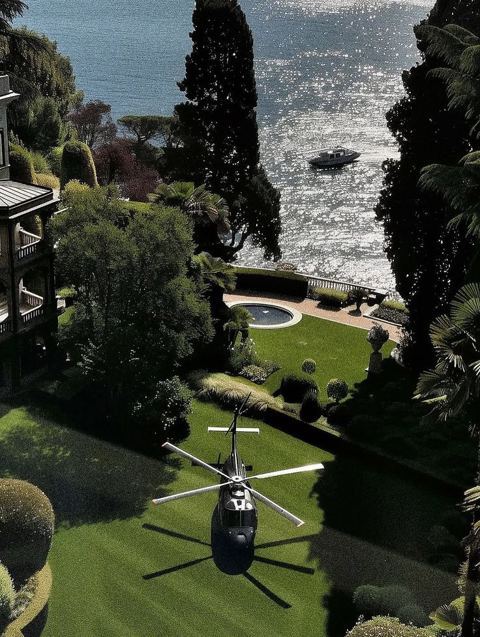




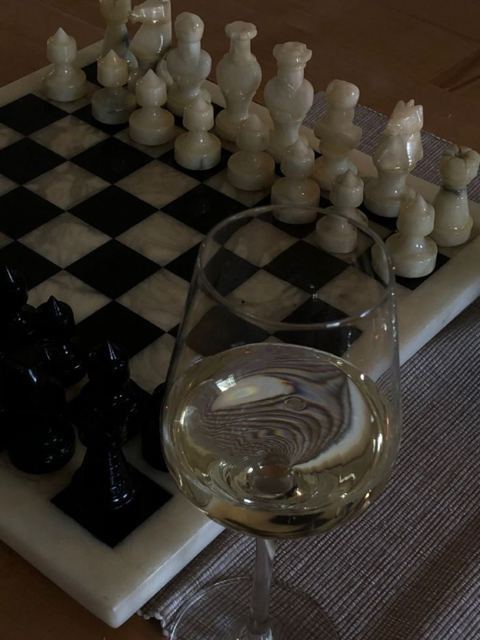



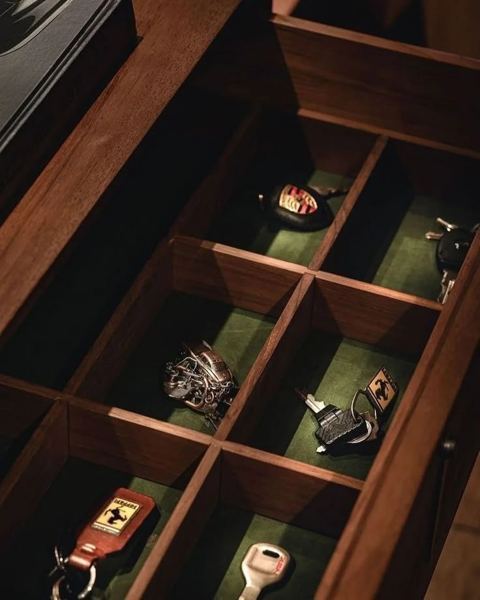

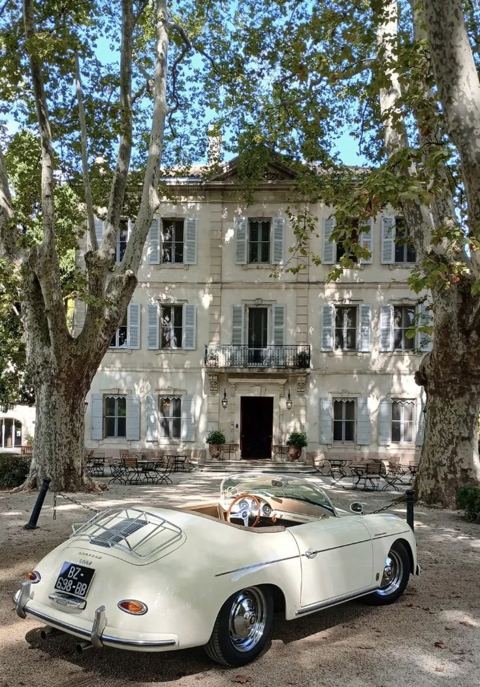


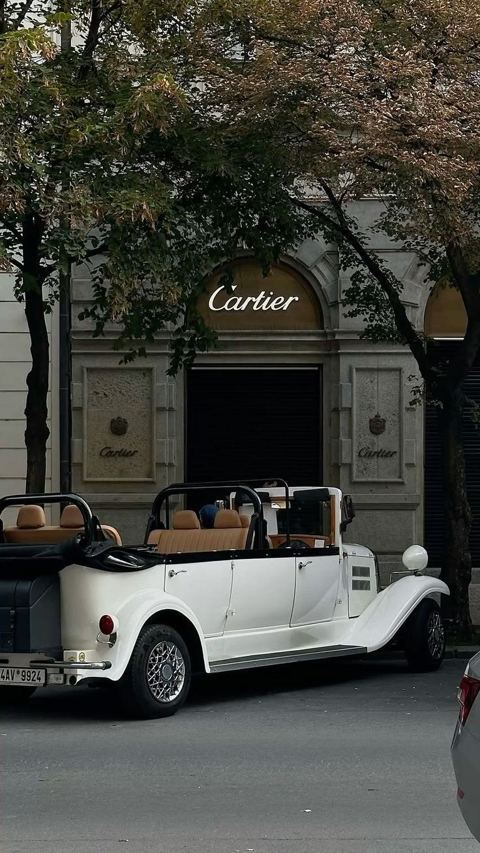

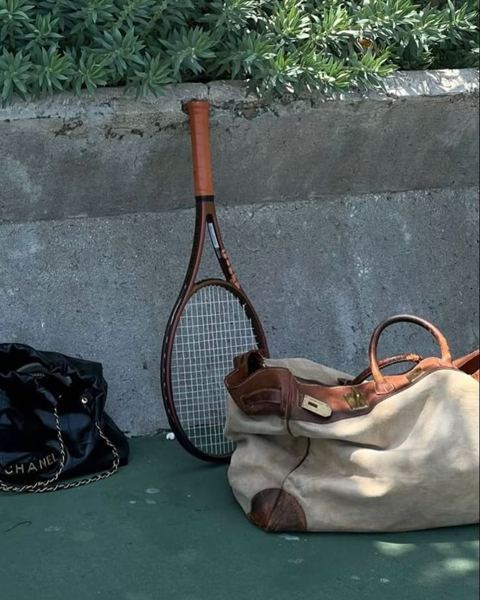

Give each screen its own board.
Or one board on all of them. It can sit on your lock screen too, so the first thing you see when you open the lid is your board.
Desk monitor · board “countryside”
Laptop lock screen · board “old money”
How it works
-
3.1
Copy a board link.
Yours or anyone’s, as long as it’s public. Something like pinterest.com/ana/studio.
-
3.2
Paste it into nuvemo.
It pulls the pins and builds the wall in a few seconds, sized to each screen.
-
3.3
Keep saving pins.
Every 30 minutes the wall reshuffles and picks up whatever you saved since.
Change the grid until it feels like yours.
More columns or fewer, tight or airy, a dark background or a light one. The preview moves as you drag and your desktop follows half a second later. It stays sharp on 4K screens, and you decide how often it changes.
It lives next to the clock.
Click the icon for refresh, pause or the board itself. The rest of the time it stays out of your way.
- Waits while you game or watch something full screen.
- Holds back on battery saver, so your laptop lasts.
- No account to make.
- Never signs in to Pinterest or asks for your password.
A vision board only works if you see it.
Most vision boards live in a phone app you open twice a year. Put yours on the screen you look at all day, and it changes every 30 minutes, so you never stop seeing it.
One price, no subscription.
$9.99once
- nuvemo for Windows 10 and 11, on up to three PCs
- Every 1.x update
- 12 boards ready for nuvemo and the vision board guide
- Bought in the app, it activates by itself
Prices include VAT where it applies.
7 days free · no card · full refund within 14 days · Refund policy
Questions
What’s in the free trial?
All of nuvemo, for 7 days, with no card. You start it with your email, so we can keep your trial and your license. If you buy, it’s yours for good. If you don’t, your old wallpaper comes back, exactly as it was.
Will I notice it running?
Only when you look at your desktop. nuvemo pauses during full-screen games and presentations, and under battery saver.
Is it safe to install?
nuvemo comes from the Microsoft Store, so Windows installs, checks and updates it. No warnings, no installer to trust. Install guide
Do I need to copy a license key?
Not if you buy inside the app: it activates by itself while you pay. If you buy on this site instead, the key is in your receipt email. Paste it in Settings › License › Enter a key. One key works on up to three PCs.
Can my Pinterest account get in trouble?
nuvemo never signs in to Pinterest and never asks for your password. It reads public boards through Pinterest’s embed service, the same way a website shows a board.
Can I use a secret board?
Not yet: the embed service can’t see secret boards. Making a board public takes a few seconds, and nuvemo shows its 50 or so newest pins. How to make a board public
What if it’s not for me?
You get a full refund within 14 days of buying. Uninstalling nuvemo puts your old wallpaper back.
I’m on my phone right now. Can I still get it?
Yes. Buy here by card, Apple Pay or Google Pay and we’ll email you the key and an installer link for your PC. Or email yourself the trial link.
Your board is who you’re becoming.
So put it where you’ll actually see it.