Install nuvemo
Four steps, about a minute.
- Open the Microsoft Store page and click Get. It’s free to download. Open the Store
- Open nuvemo. Enter your email to start your 7 free days. No card.
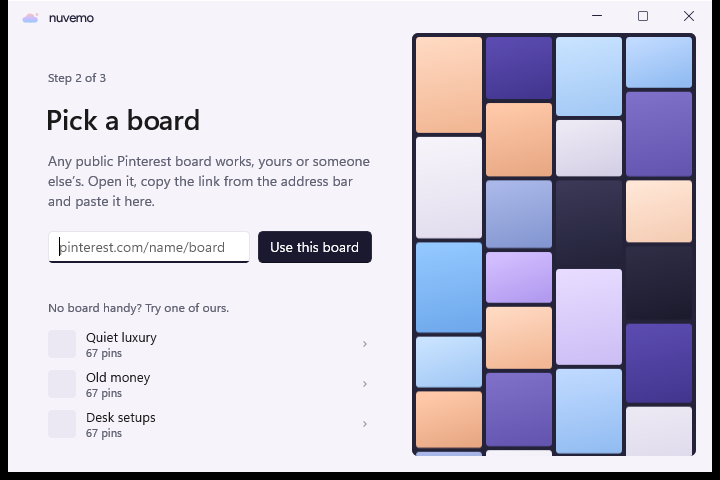
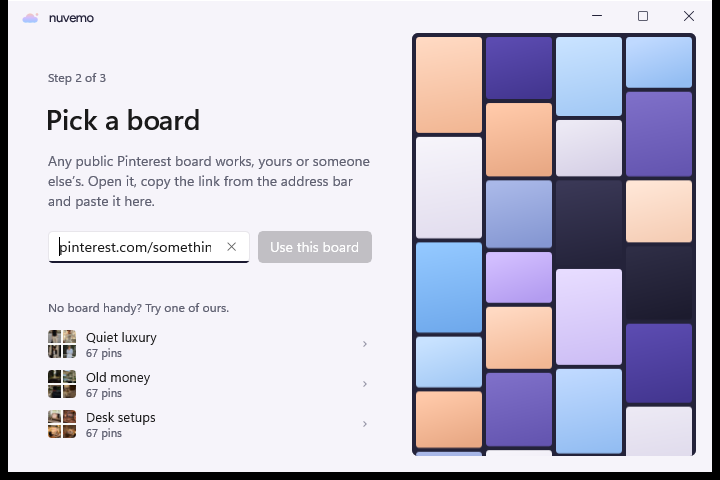
- Paste a public board link. Your wall appears in a few seconds, sized to each screen.
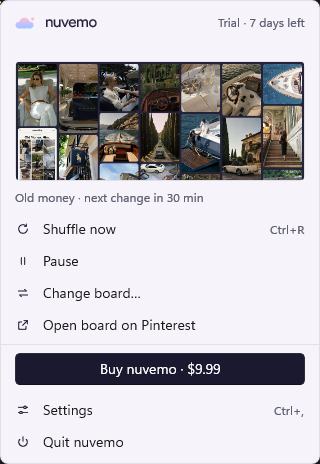
- Find it next to the clock. The cloud in the tray shuffles, pauses, changes the board and opens Settings.
Buying
Click Buy · $9.99 inside the app. Lemon Squeezy opens with your email filled in, and nuvemo activates by itself once you pay. Bought on this site? Paste the key from your receipt in Settings › License.
Removing
Uninstall nuvemo from Windows Settings › Apps. Your old wallpaper comes back.